|
ZABBIX - Change admin password
2011/05/22 |
|
Change default admin password and set admin's email address.
|
|
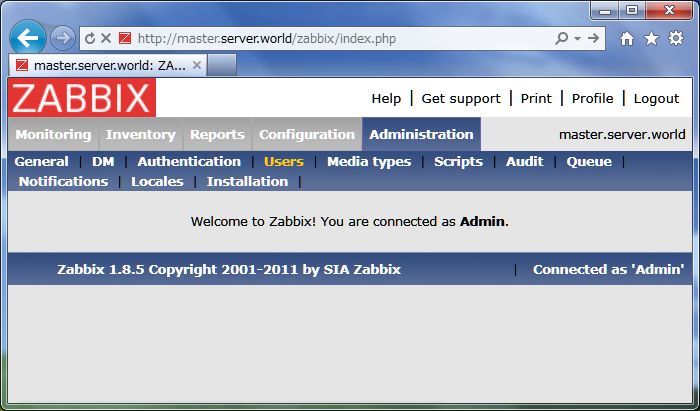
| [1] | Login to ZABBIX admin site and click "Profile" that is placed at the Upper right. |
|
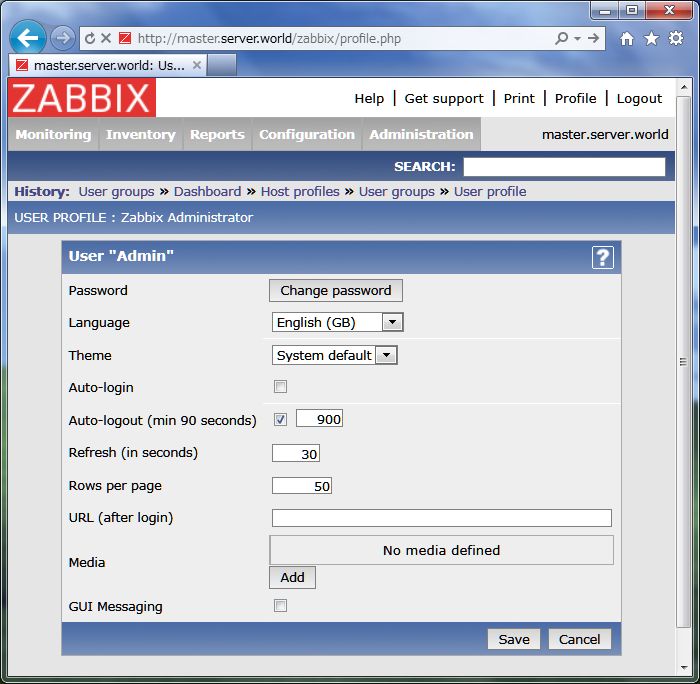
| [2] | Click "Change Password". |
|
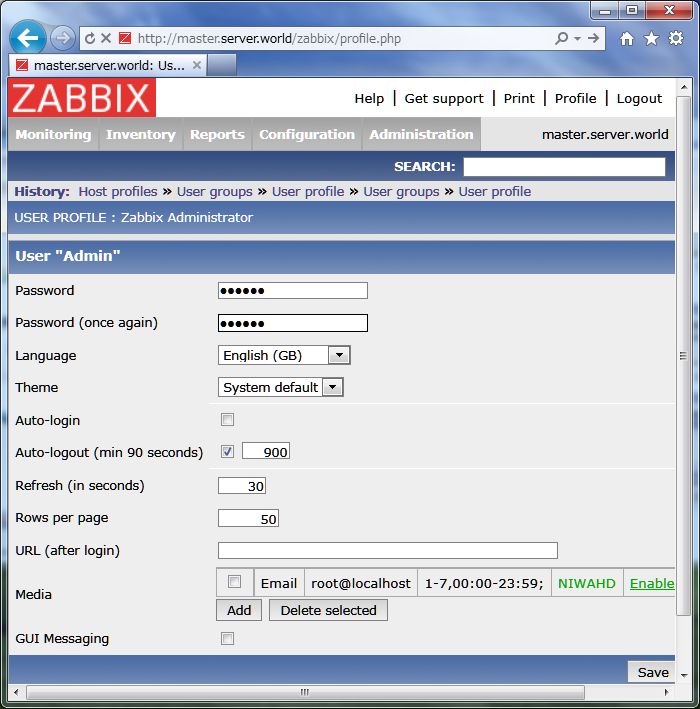
| [3] | Input any password you'd like to set. Furthermore, click "Add" button in "Media" field to set admin's emaill address. |

|
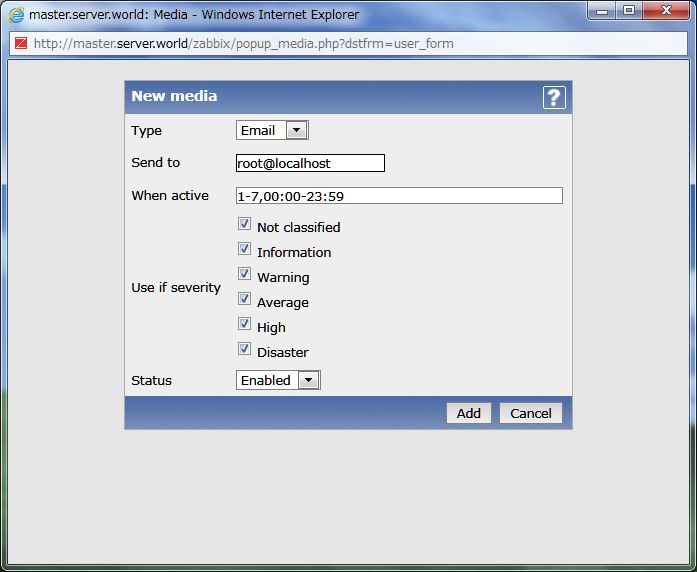
| [4] | Input email address for admin and click "Add" button. |
|
| [5] | Click "Save" button that is placed at lower right and finish. |
|